← Back to work

Case Study

Dotfiles as a personal operating system.

A portable macOS development environment built around zsh, Git, Homebrew, Starship, and a small set of carefully chosen terminal tools.
macOS zsh Git Homebrew Starship Delta fzf zoxide eza bat ripgrep fd
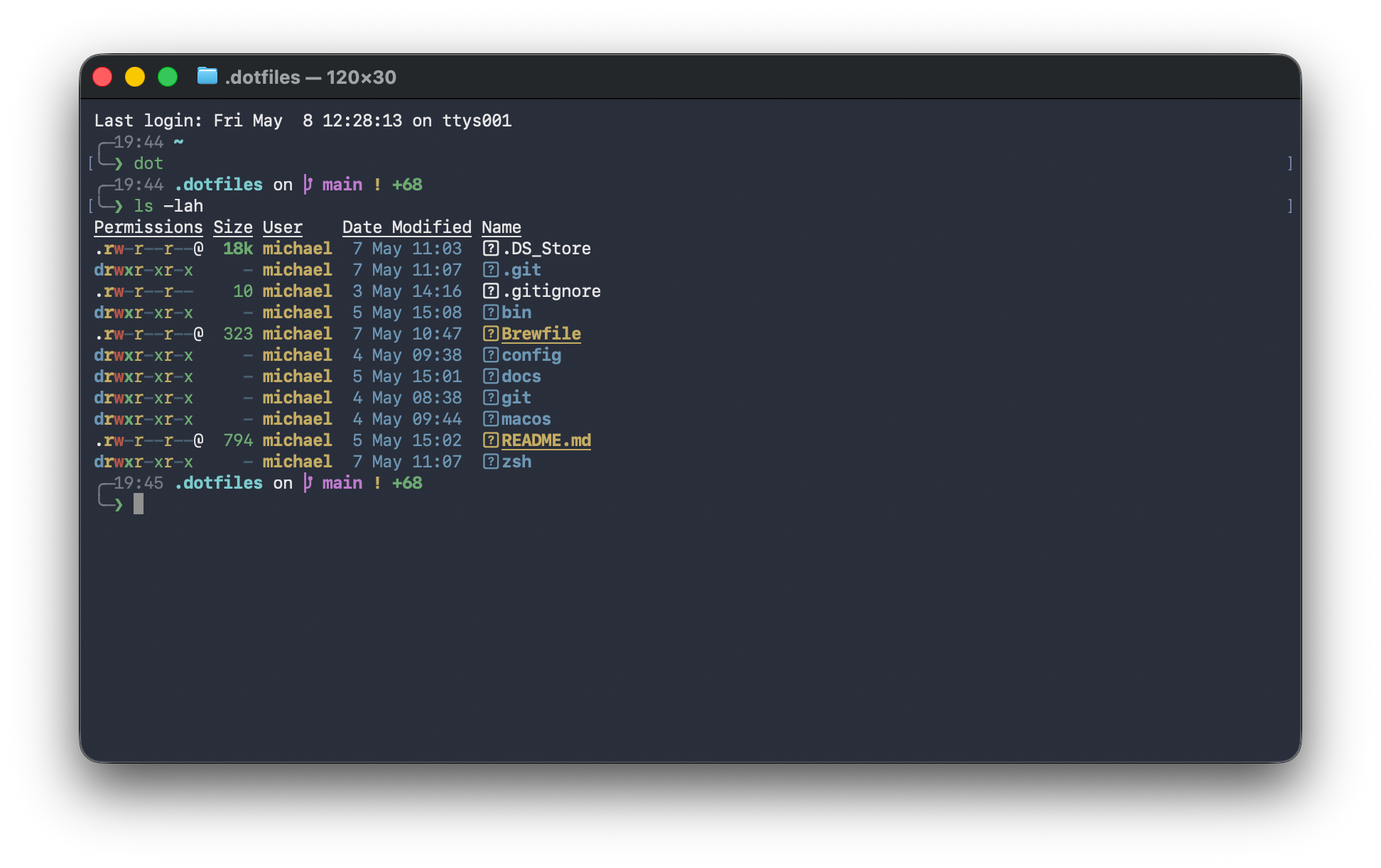
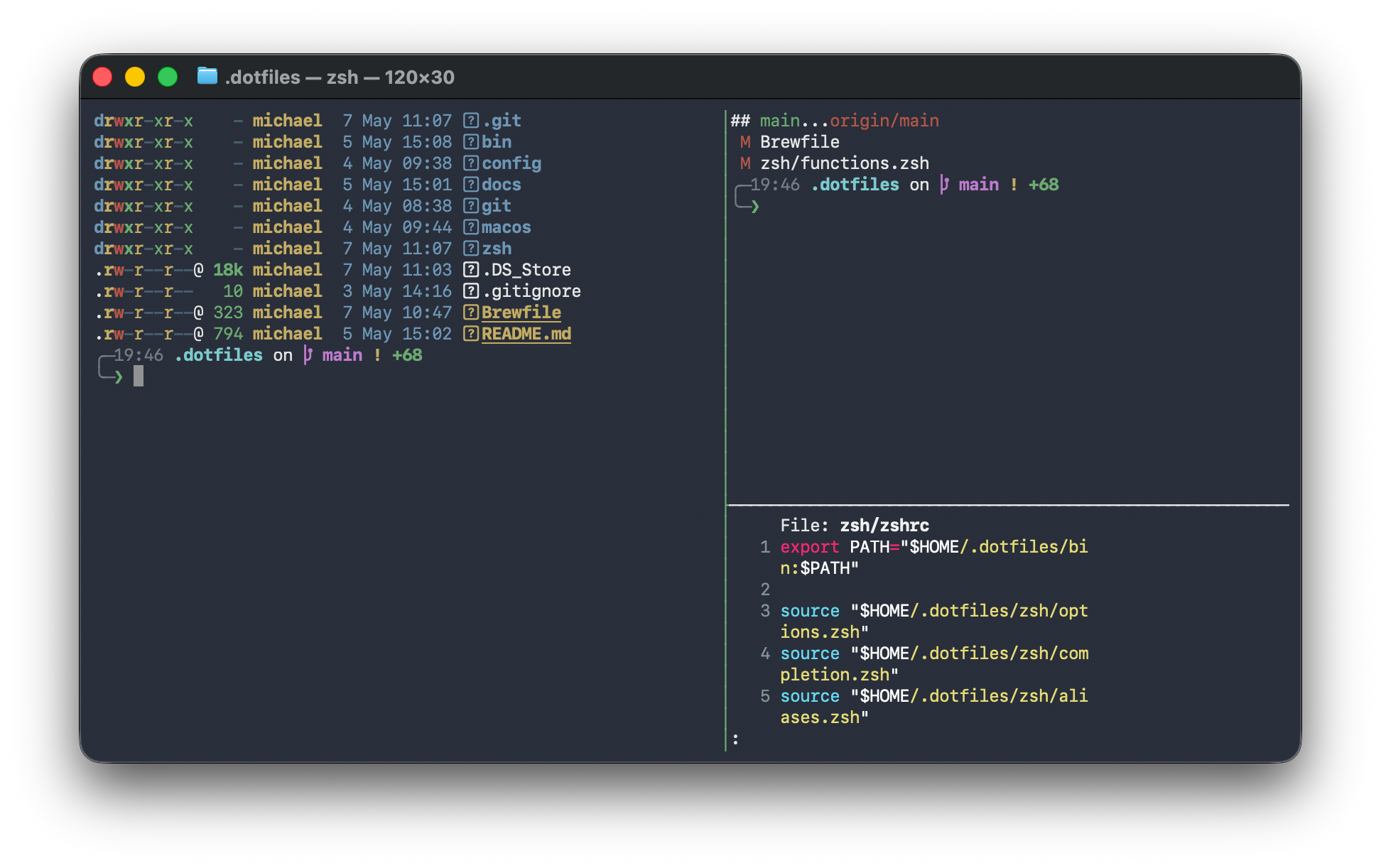
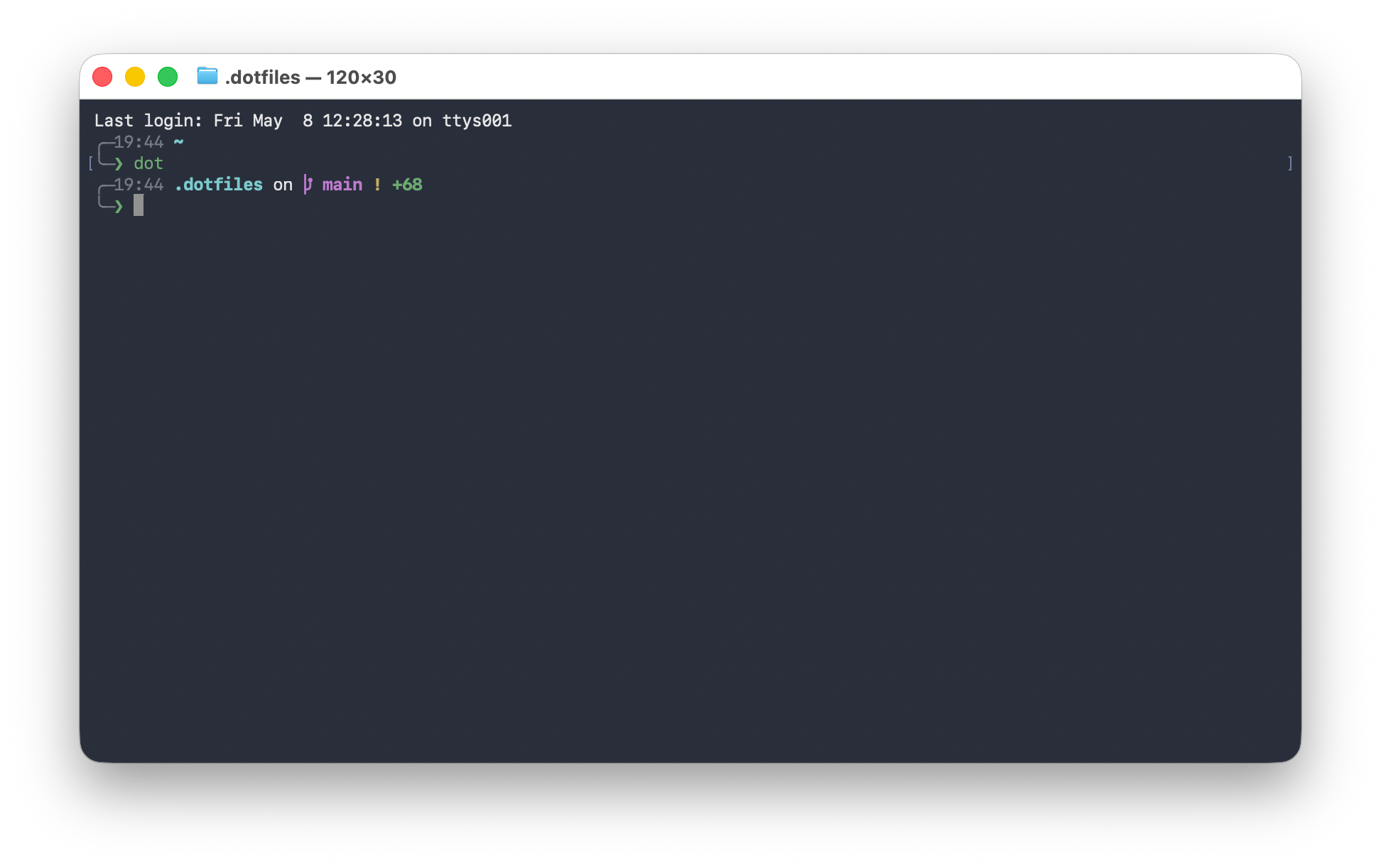
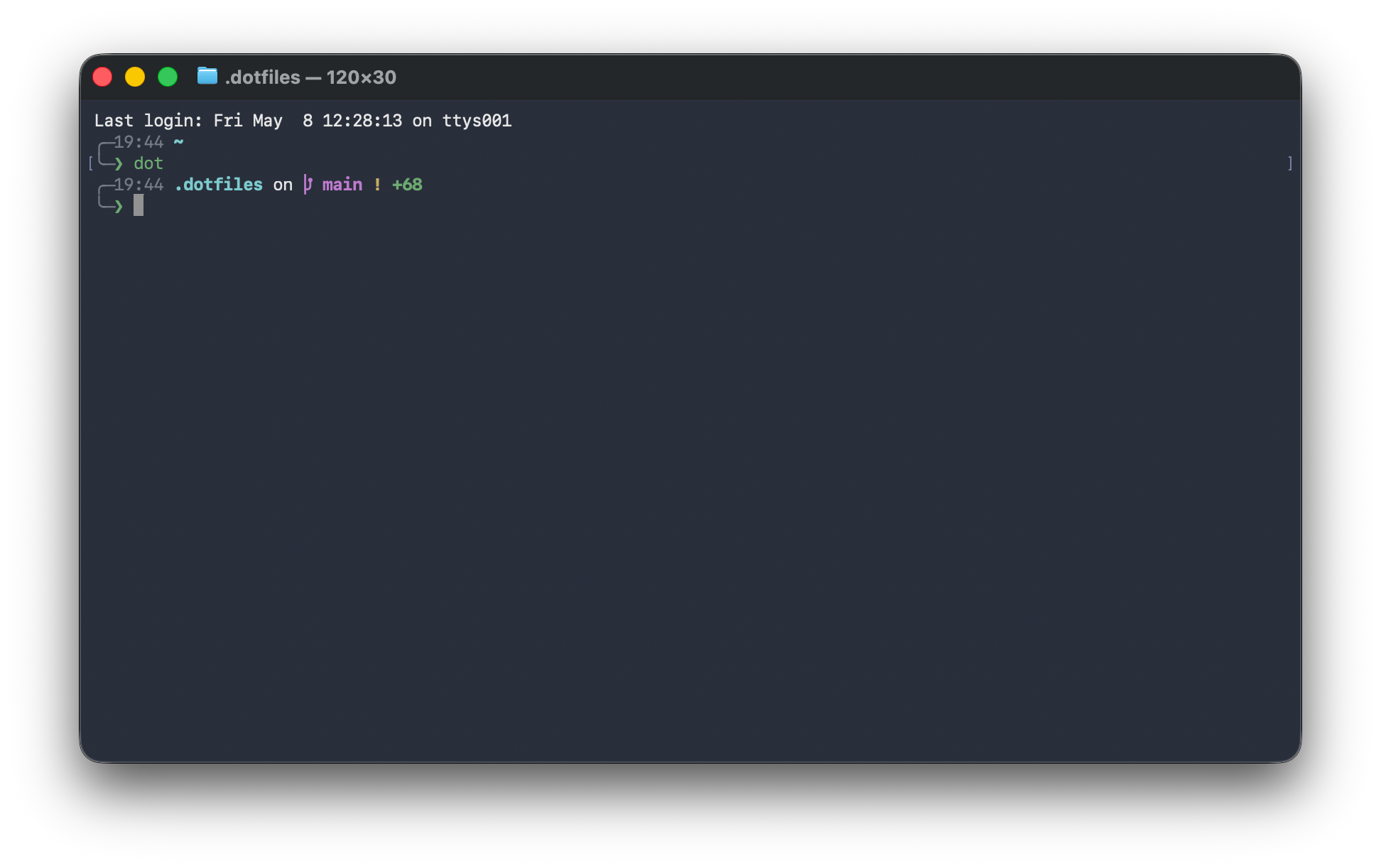
A terminal showing Michael’s configured zsh environment, Starship prompt, and dotfiles workflow.
The everyday view: a quiet prompt, useful Git context, and commands that keep navigation and maintenance close to hand.

Try the workflow

A small simulated terminal preview of the commands and workflows this setup is built around. It does not run anything; it just shows the shape of the environment.

interactive preview

╭─ ~/.dotfiles on  main

╰─ type “help” or click a command above

Role

Personal tooling, workflow design, shell configuration, and automation.

Focus

Making a new Mac feel familiar quickly, without hiding how the system works.

Status

Active, evolving, and intentionally small enough to understand at a glance.

Why it exists

My dotfiles are less about collecting clever aliases and more about creating a calm, repeatable development environment.

The goal is not to make the machine look complicated.
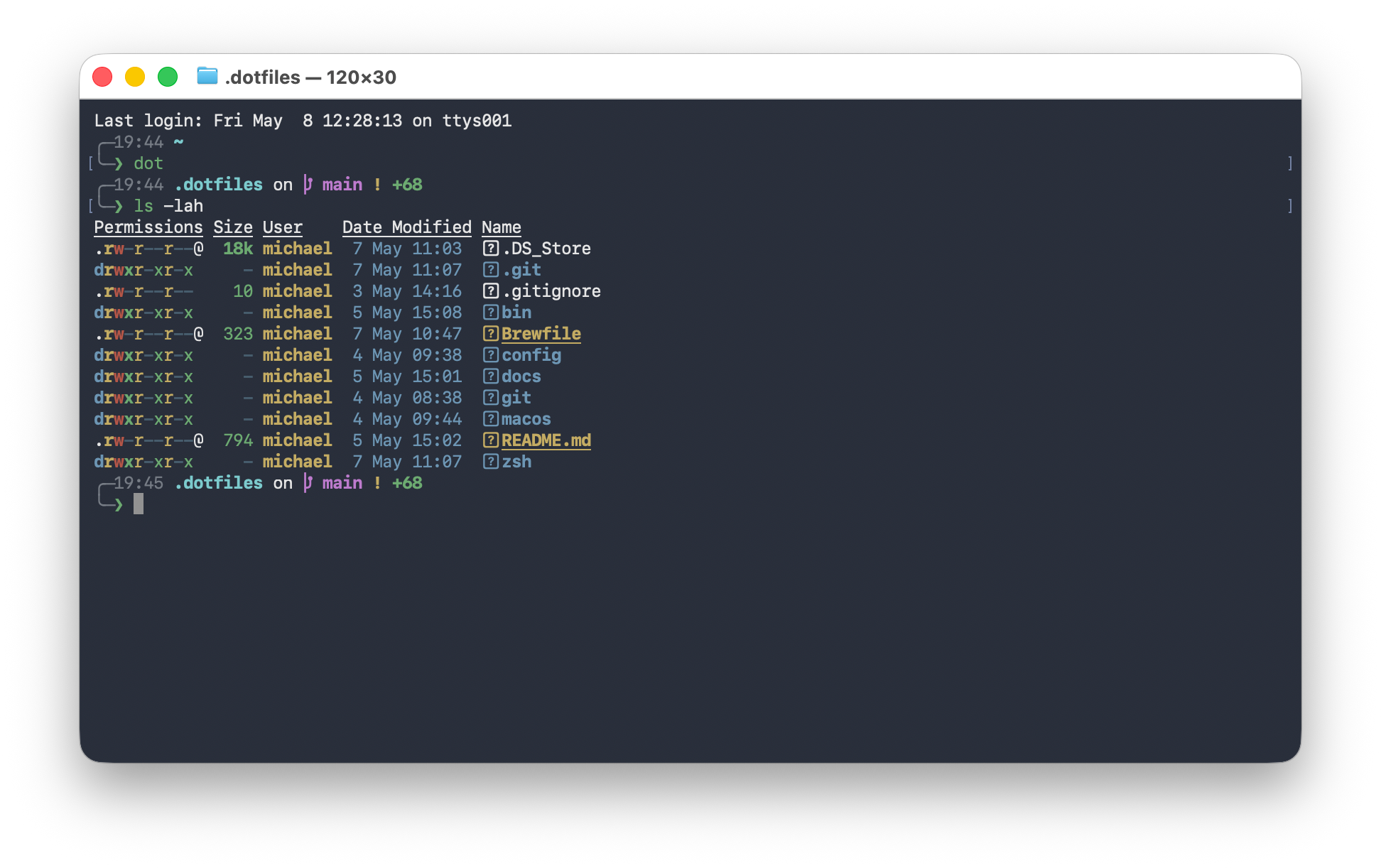
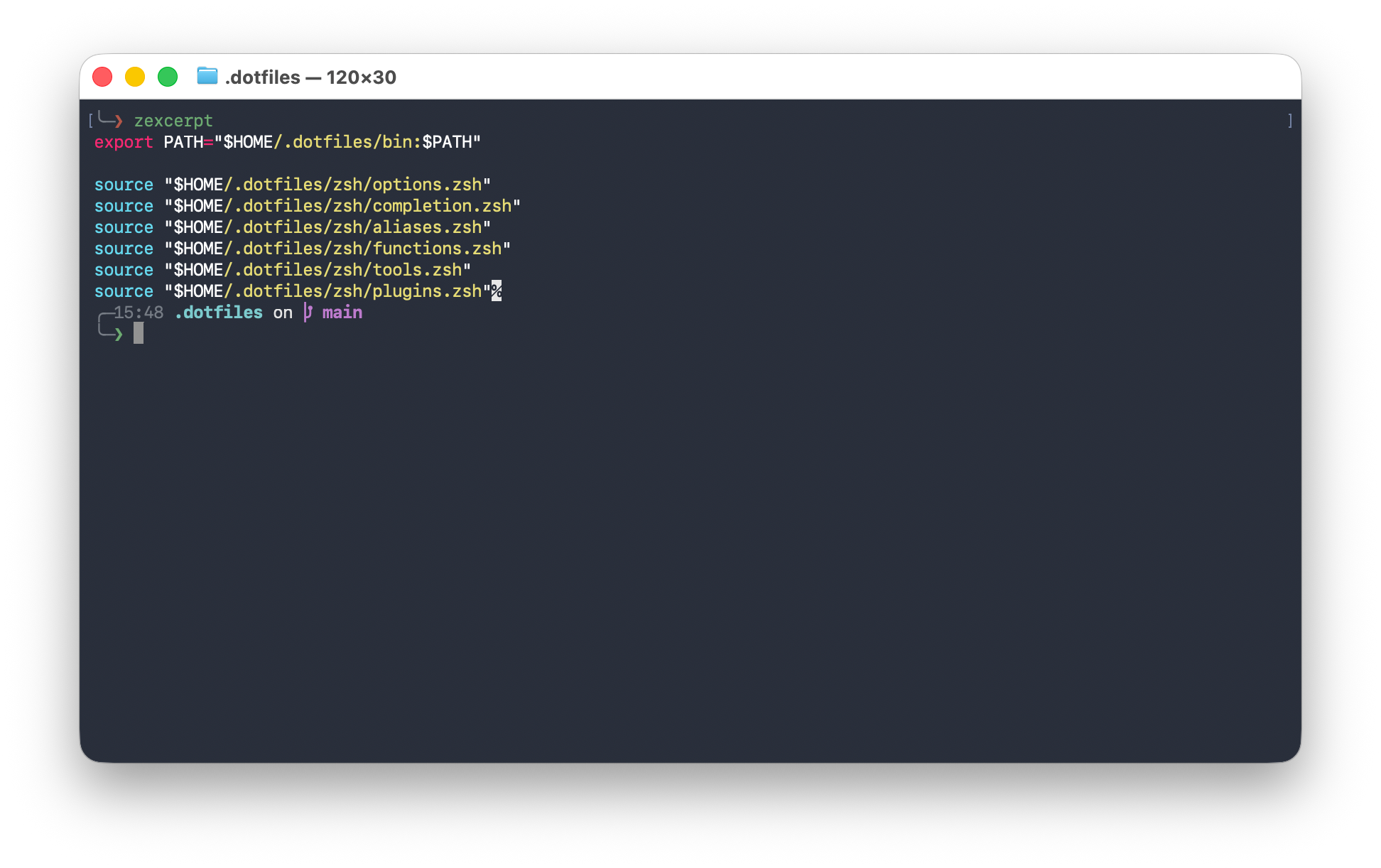
The dotfiles repository structure showing folders for shell scripts, Git configuration, zsh configuration, and supporting files.
The repository is organised around the tools it configures, keeping the system easy to scan and maintain.

What it manages

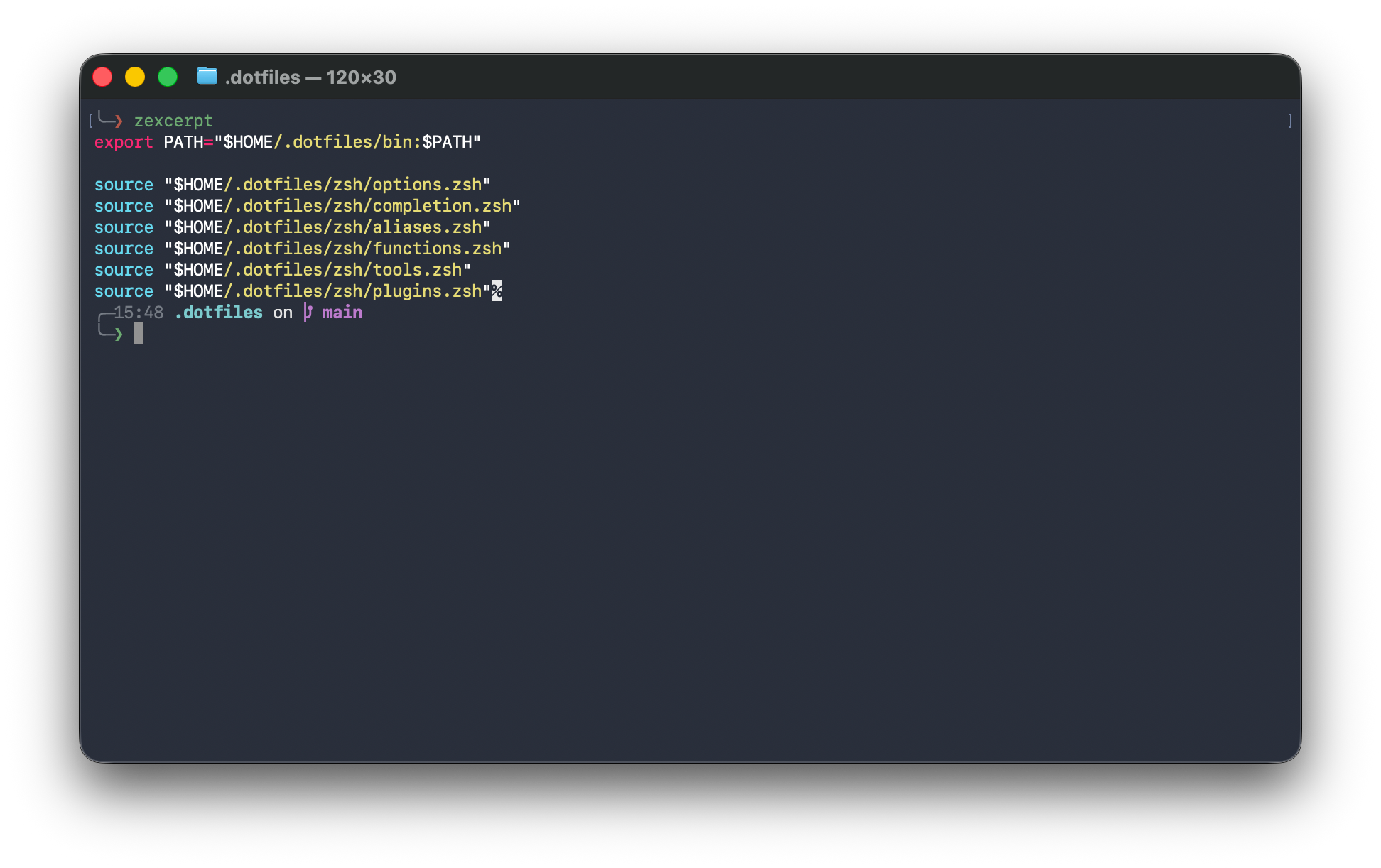
A zshrc excerpt showing shell aliases, helper functions, and optional terminal tool integrations.
The shell configuration favours small helpers, readable defaults, and optional enhancements rather than a fragile all-or-nothing setup.

Design decisions

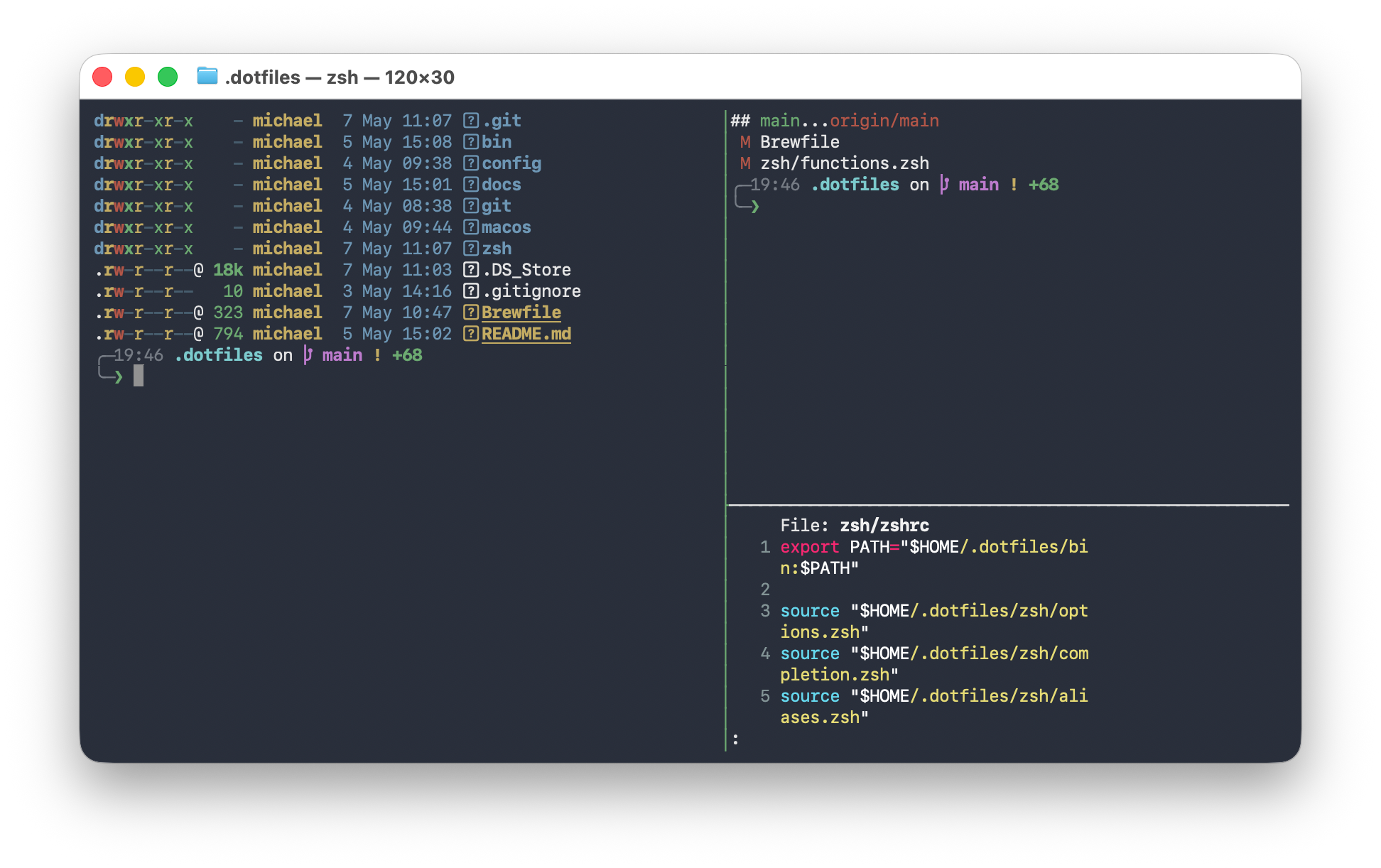
A macOS development workspace showing the dotfiles workflow in context.
The goal is not to make the machine look complicated. It is to make the environment feel calm, familiar, and ready to work in.